
Account ProblemsVerified Solution
Aadhar Card Se Phone Pe Ka Account Kaise Banaye - Phone Pe Account Kaise Banaye Aadhar Card Se
Aadhar Card Se Phone Pe Ka Account Kaise Banaye - Phone Pe Account Kaise Banaye Aadhar Card Se Phonepe Link :- https://phon.pe/30bfjvm9 https://phon.pe/30bfjv...
GS
Gaurav Singh
Tech Specialist
Published: Aug 24, 202614.4K+ views
Watch Full Video Tutorial
Open in YouTube
Watch Video Tutorial on YouTubeClick to Play
Problem Overview & Diagnosis
कई यूजर्स PhonePe पर नया अकाउंट बनाना चाहते हैं, लेकिन उनके पास ATM या Debit Card उपलब्ध नहीं होता। ऐसे में यदि आपका बैंक अकाउंट आधार कार्ड से लिंक है और बैंक में रजिस्टर्ड मोबाइल नंबर आपके फोन में मौजूद है, तो उपलब्ध होने पर Aadhaar आधारित विकल्प का उपयोग करके UPI PIN सेट किया जा सकता है। इस गाइड में हम PhonePe पर बैंक अकाउंट जोड़ने, आधार कार्ड के माध्यम से सत्यापन करने और UPI PIN सेट करने की पूरी प्रक्रिया स्टेप-बाय-स्टेप समझेंगे।
Actionable Instructions
Step-by-Step Solution Guide
Follow each verified step sequentially to resolve the issue completely.
1
Step 1
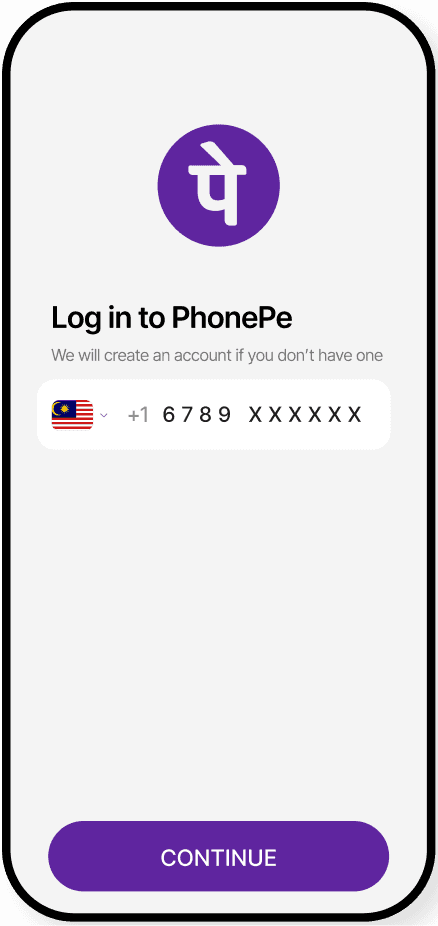
PhonePe ऐप डाउनलोड करके खोलें और अपने बैंक में रजिस्टर्ड मोबाइल नंबर से लॉगिन करें।
2
Step 2
PhonePe में Bank Account / Add Bank Account विकल्प पर जाएं।
open phonepe and click on profile option and select bank account option
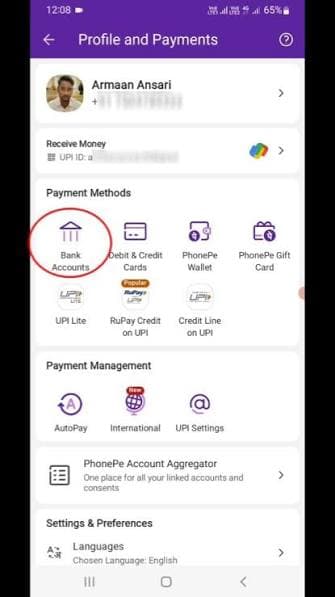
Visual reference for Step 2
3
Step 3
अपना बैंक चुनें और मोबाइल नंबर के जरिए बैंक अकाउंट को verify होने दें।
find bank account and verify
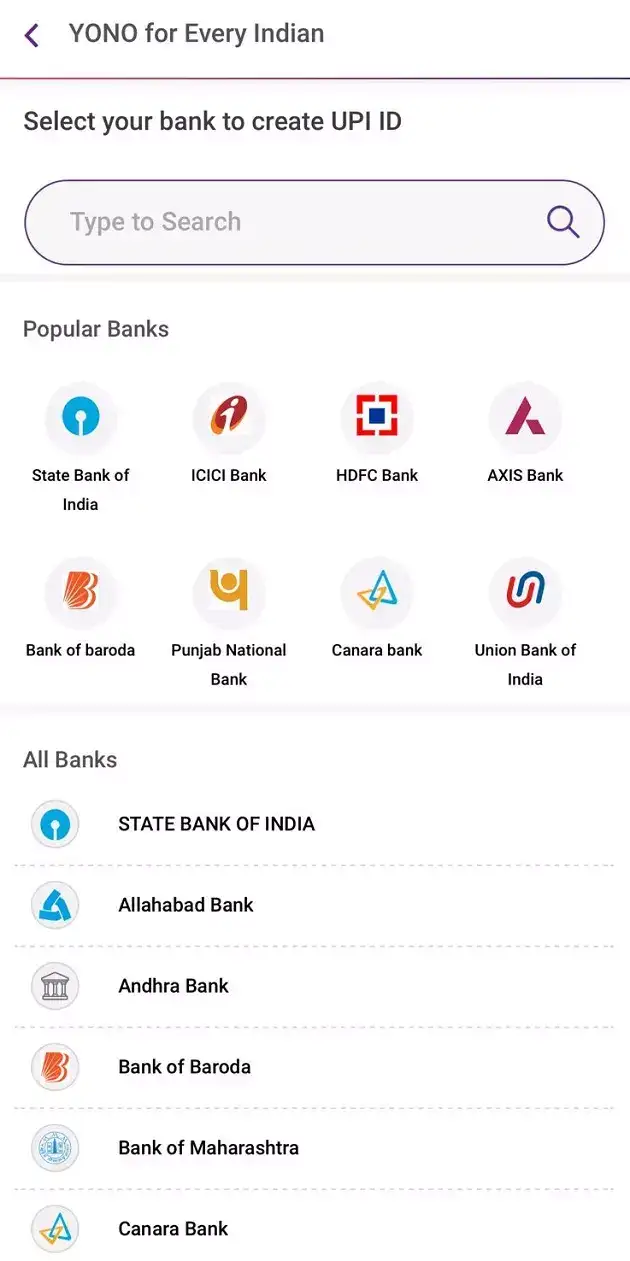
Visual reference for Step 3
Pro Tip:Your mobile number link with bank account
4
Step 4
बैंक अकाउंट मिलने के बाद Set UPI PIN पर क्लिक करें।
select addhar option and click set upi pin
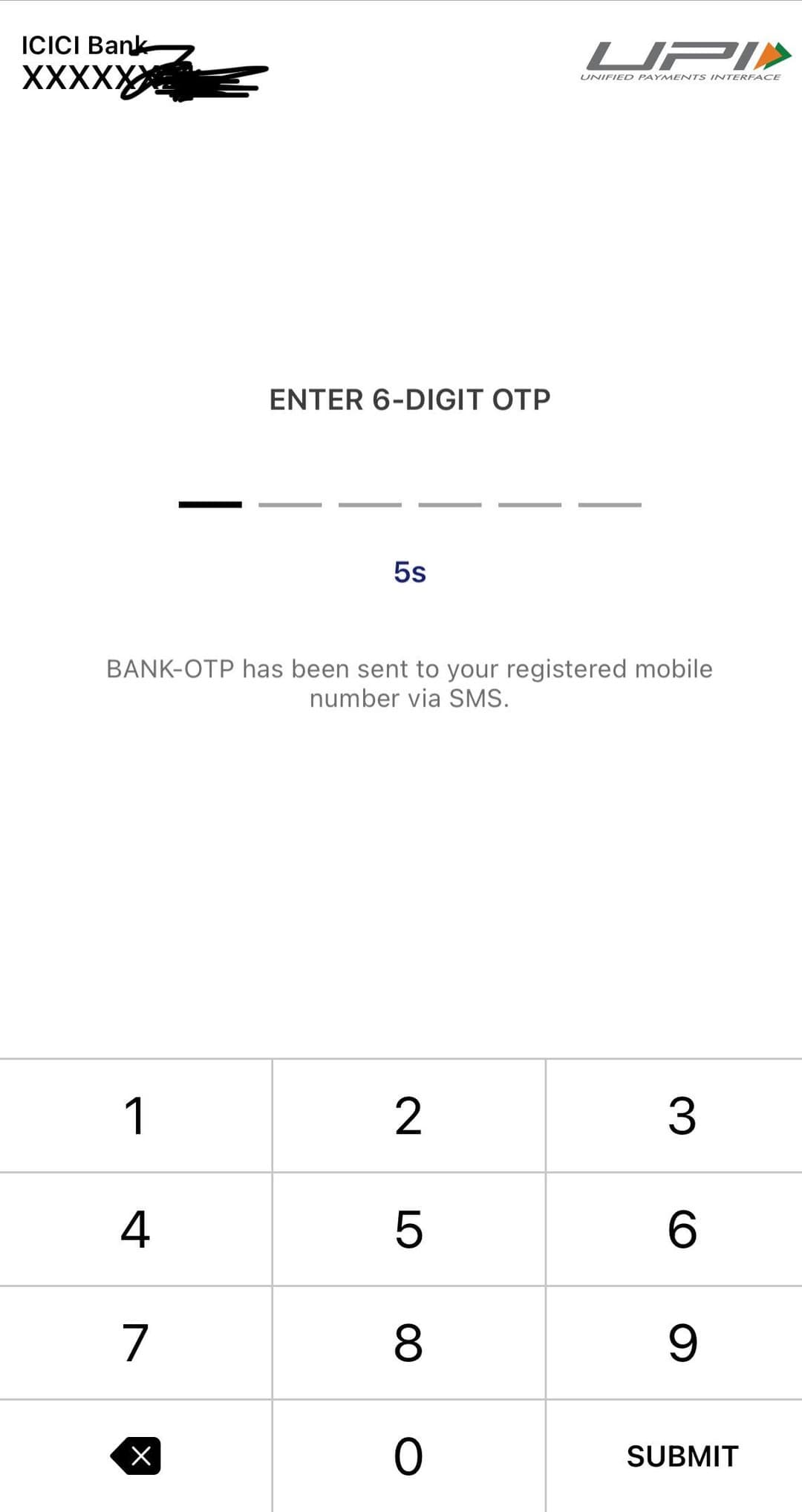
Visual reference for Step 4
5
Step 5
UPI PIN सफलतापूर्वक सेट होने के बाद PhonePe से UPI payment कर सकते हैं।
sussecufull set upi pin and enjoy upi any payment with phonepe
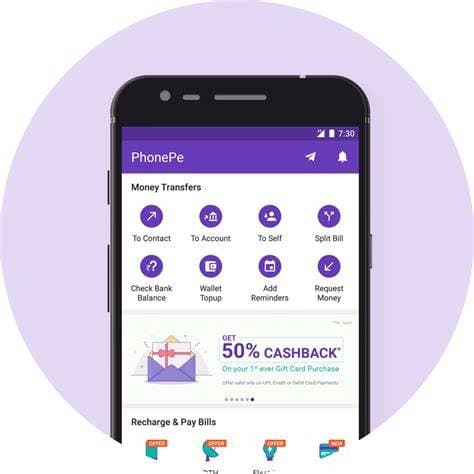
Visual reference for Step 5
Important Safety & Troubleshooting Guidelines
- Never share your UPI PIN, OTP, or Net Banking password with anyone over phone or messaging apps.
- Upcoming Help never asks for any personal account credentials or processing fees.
- For unresolved bank server debits, wait 24-48 hours for automated NPCI reconciliation.
- Always ensure you download official bank and UPI apps directly from the Google Play Store.